Background & copy
A three-page press brief, fact sheet, brand descriptions, announcement and creator story guide.
 3D HANGARDIGITAL AIRCRAFT WORKSHOP
FOR CREATORS & THE PRESS
A closer look at the parts, the process, and the people who love to build.
Everything you need to introduce 3D Hangar: brand assets, original CAD previews, background copy and a guide to exploring the workshop.
THE SHORT VERSION
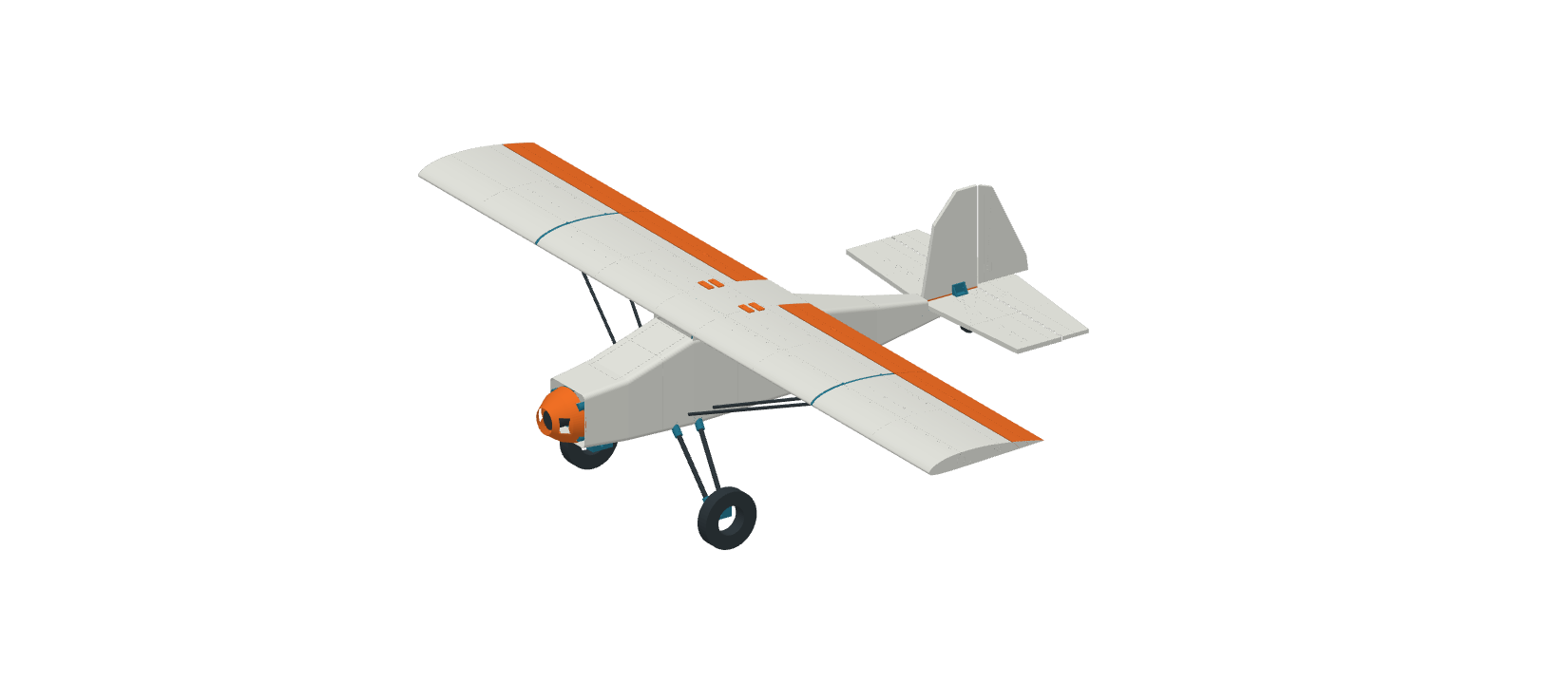
3D Hangar is an independent digital workshop for printable model aircraft and rockets, with interactive 3D viewers, exploded assembly views and free prototype build-file downloads.
Explore the model, open the build guide and equipment list, then choose a package. Build downloads require a name and email; materials and hardware are separate.
The collection contains development prototypes. Read each project’s current build status before printing. CAD images illustrate the design; they do not establish physical fit, flight or launch qualification.
More about the workshop ↗ONE DOWNLOAD, READY TO USE
A three-page press brief, fact sheet, brand descriptions, announcement and creator story guide.
Outlined SVG wordmarks, transparent PNGs for light and dark backgrounds, and the hangar icon.
Nine original CAD previews, an actual viewer screenshot, credits, dimensions and source links.
THE BRAND
Use the spelling 3D Hangar.
FROM THE DIGITAL WORKBENCH
Original-resolution CAD previews.
Credit: 3D Hangar.
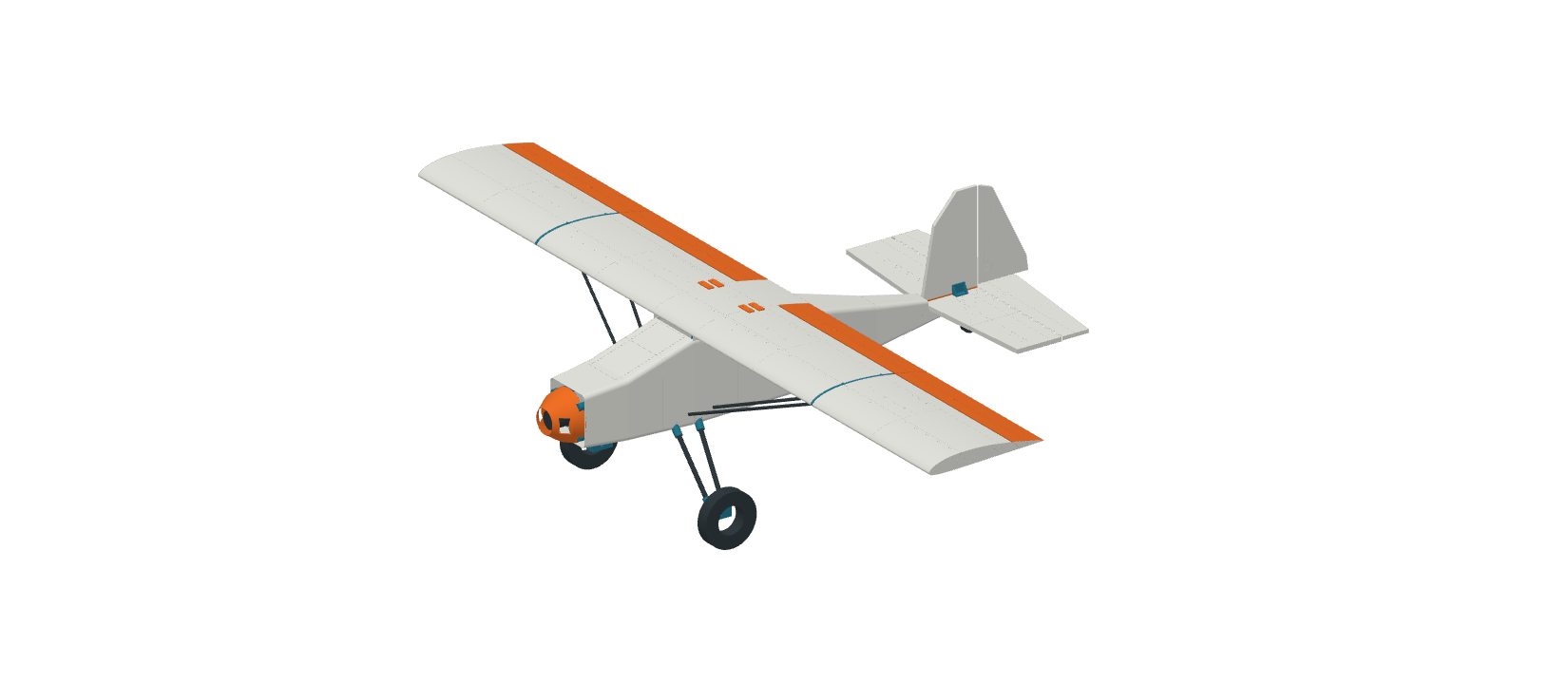
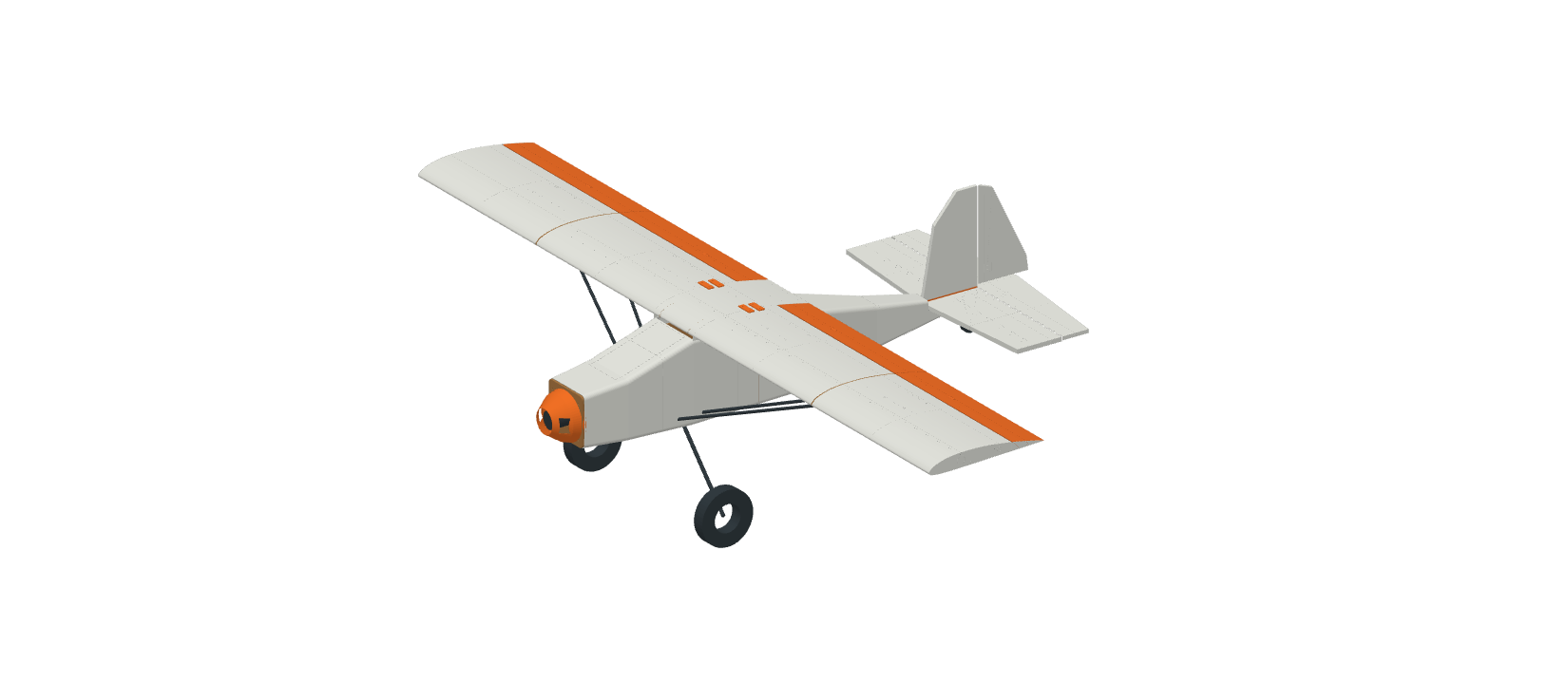
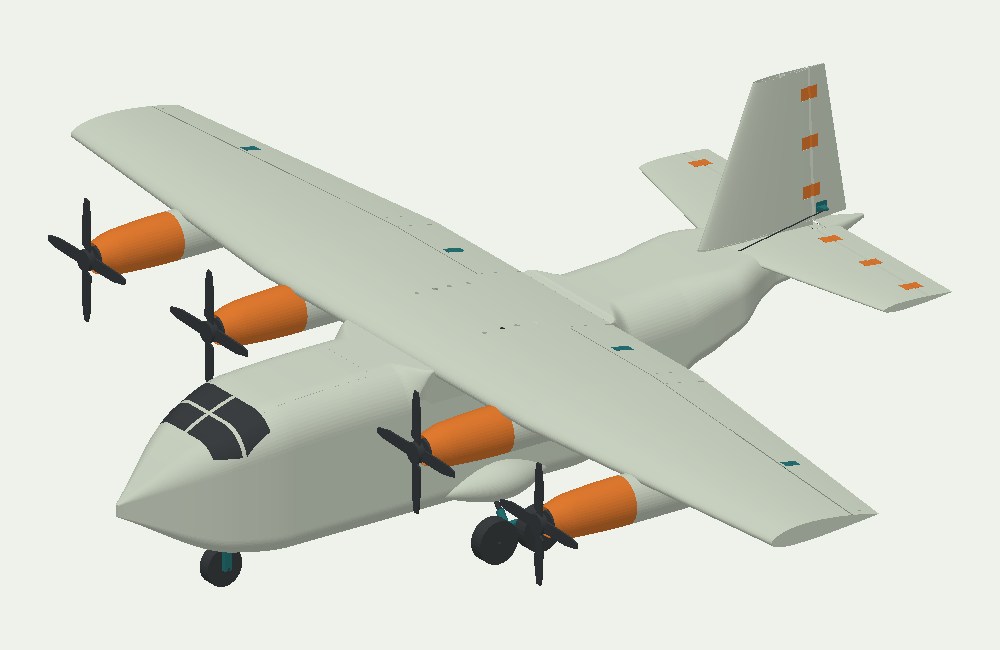
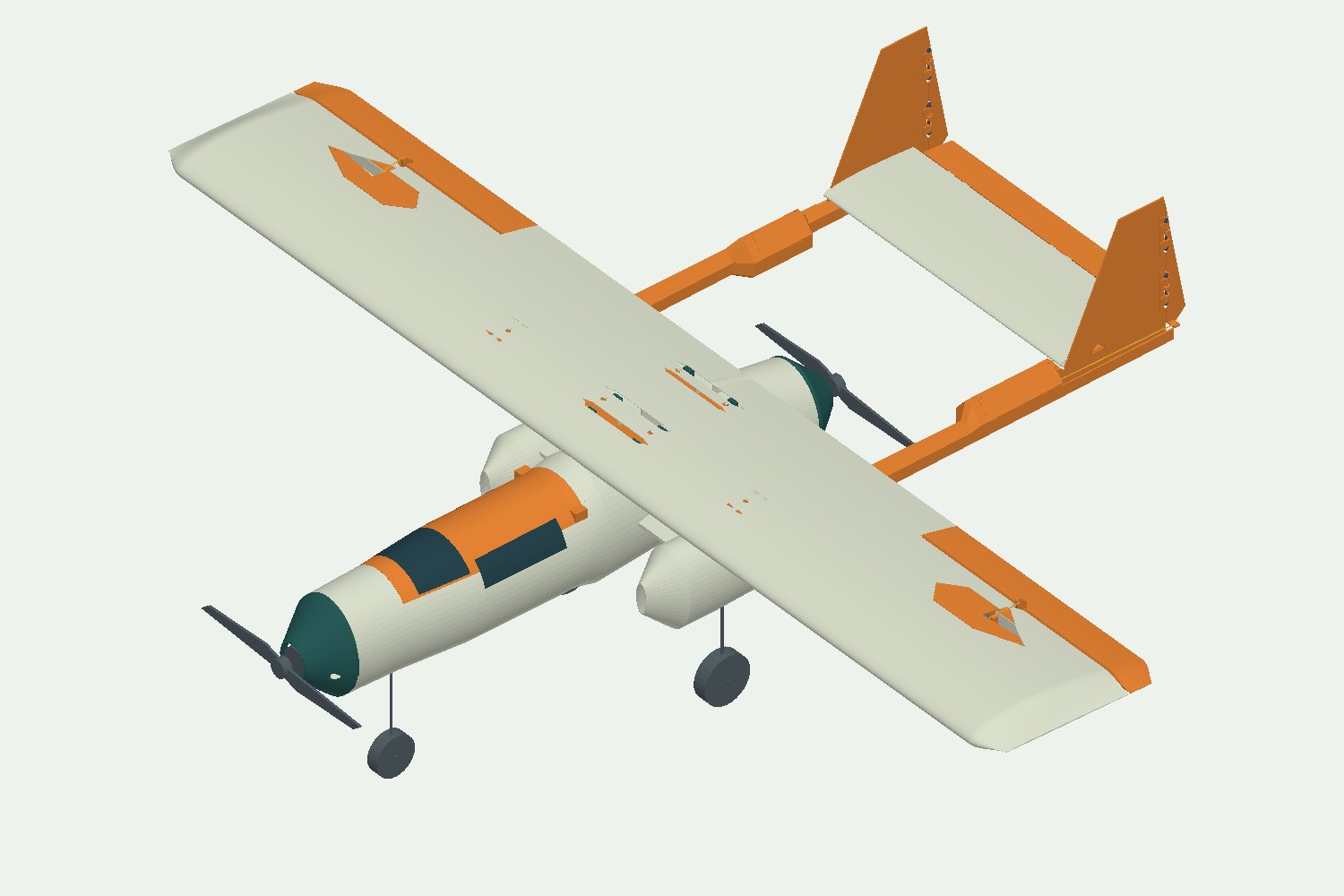
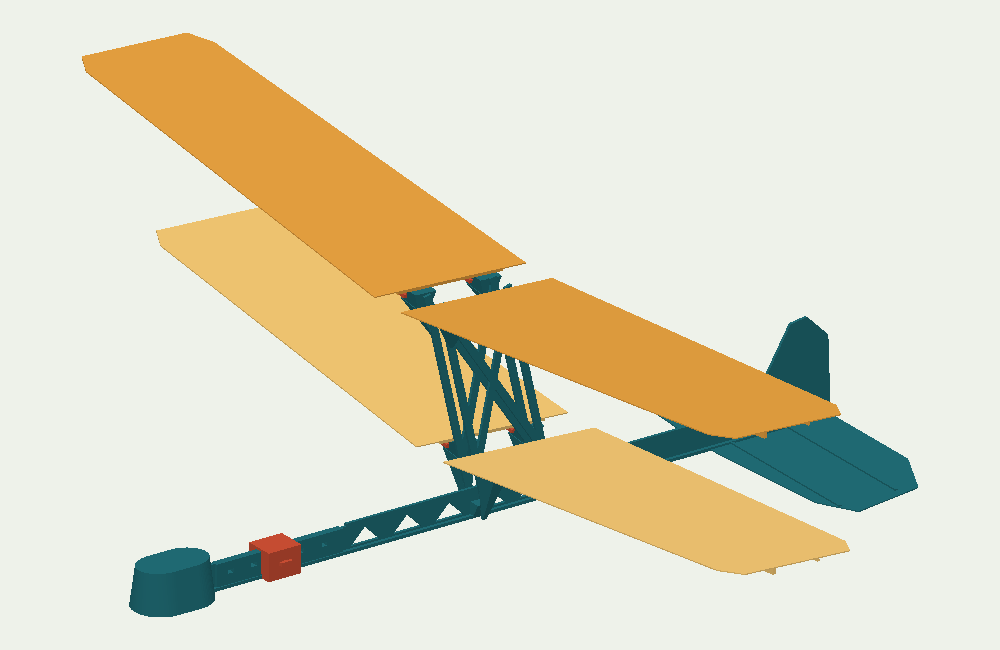
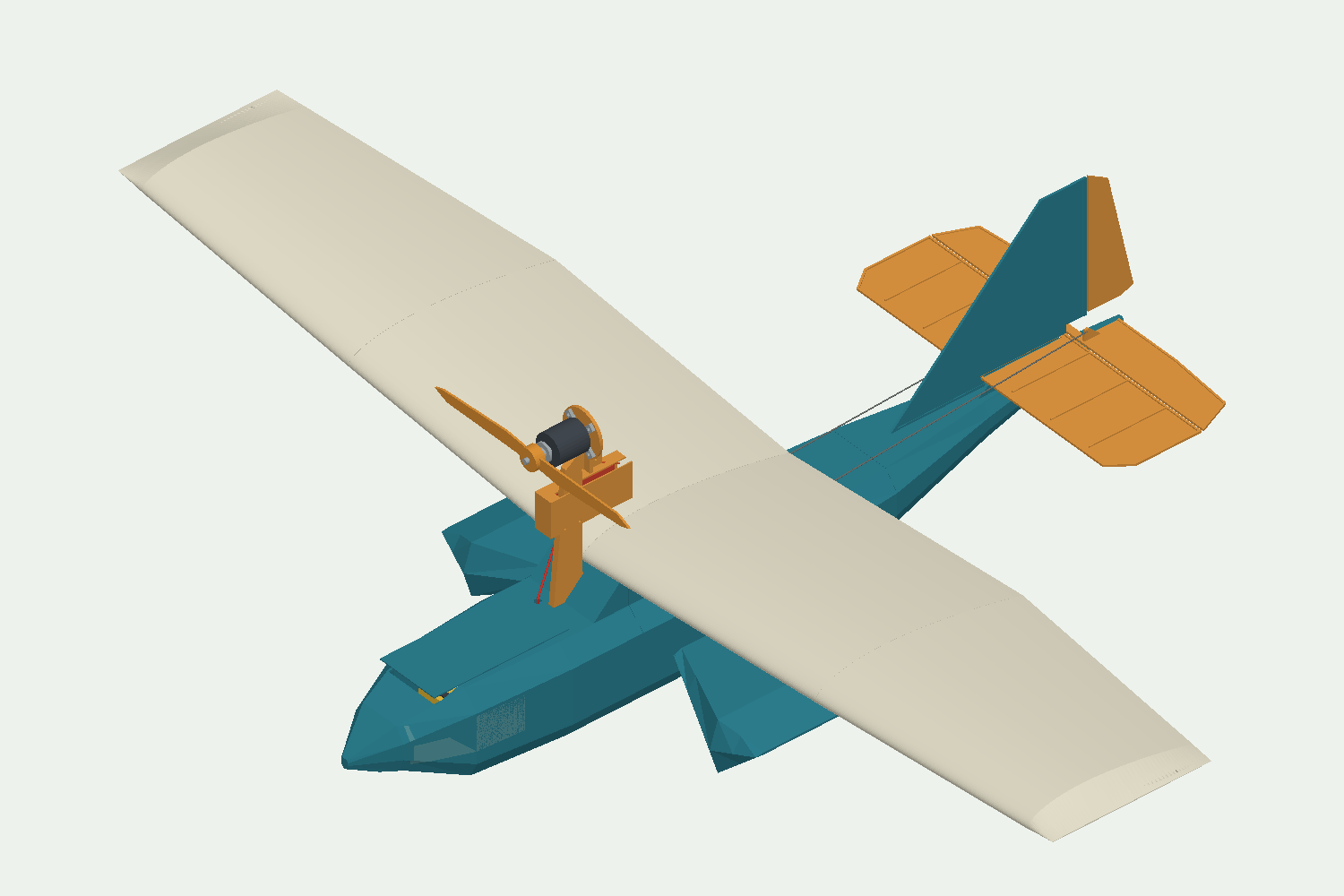
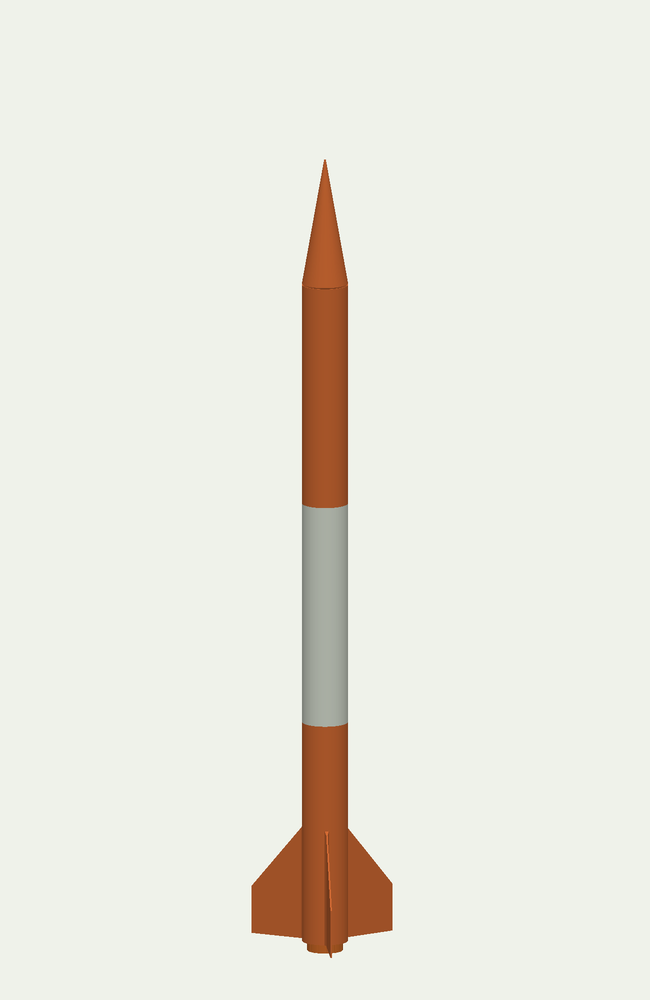
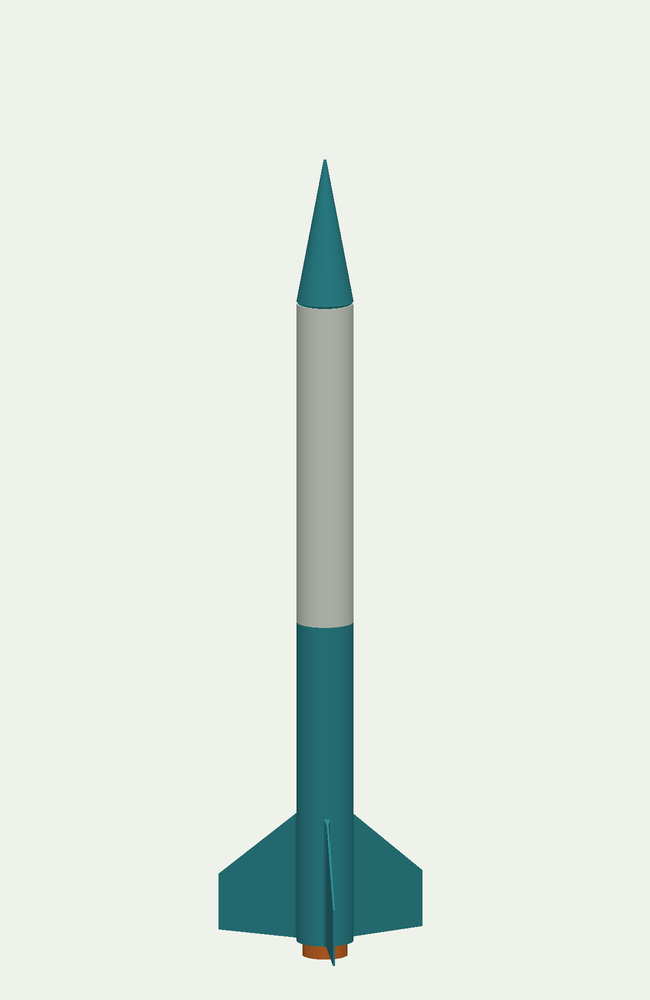
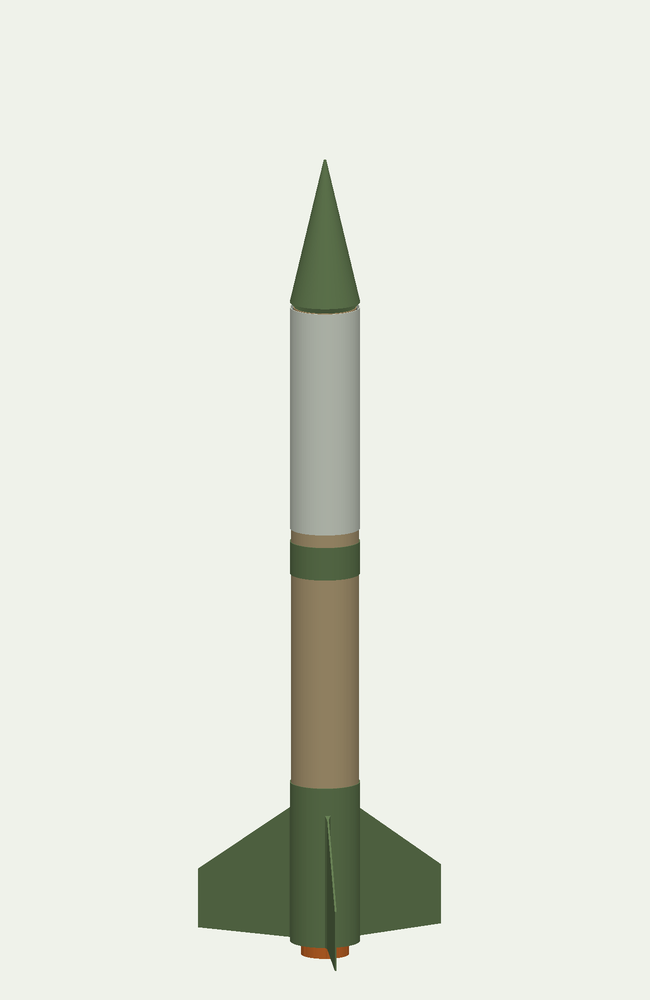
Caption these as CAD previews of prototypes. The ZIP includes a caption sheet with dimensions and project links. These are design illustrations, not photographs of completed or flying models.
A GOOD PLACE TO START
Film a screen walkthrough, explain a structure, or document a first dry fit. The included creator guide gives you story angles and a suggested capture sequence.
Open the interactive viewers ↗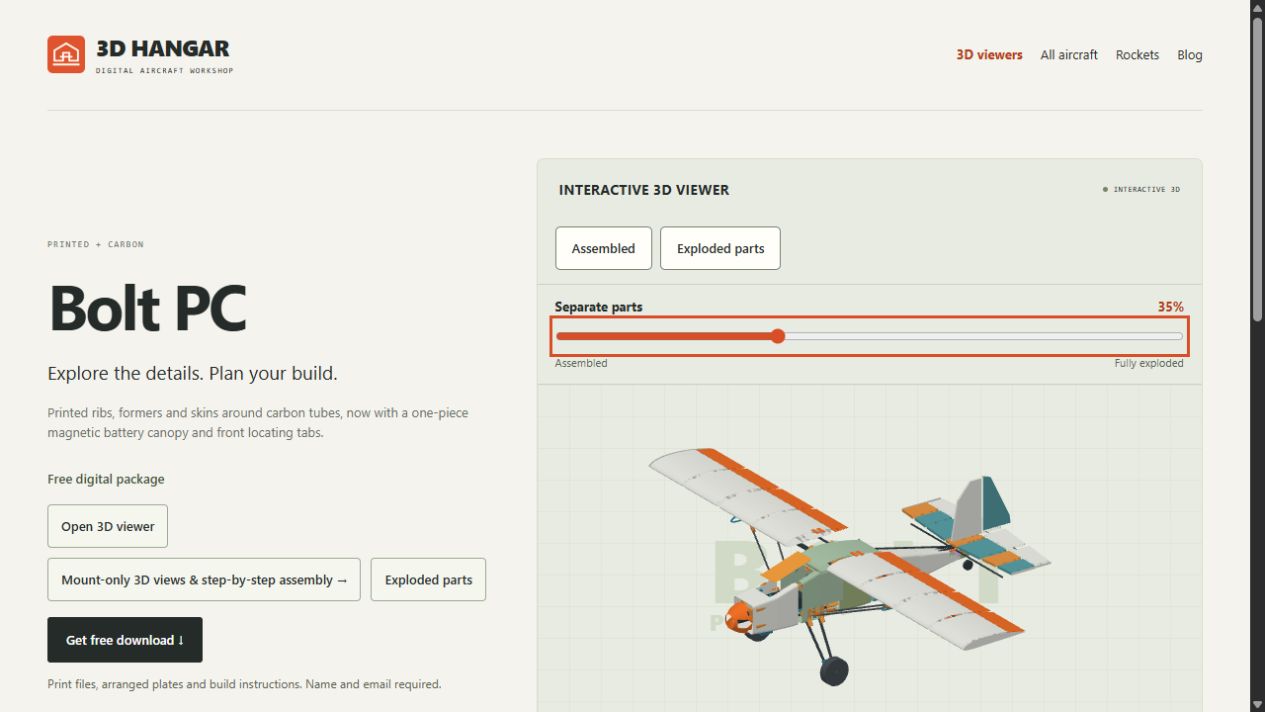
ASSET USE & ACCURATE COVERAGE
You may use the supplied logos, CAD previews and website screenshots for editorial coverage, reviews and creator videos about 3D Hangar. Credit 3D Hangar and link to the website or the relevant model page.
Keep the logo’s proportions. Label CAD imagery as prototype previews. Do not imply a manufacturer endorsement or present renders as evidence of tested performance.
Some designs use carbon tubes or wood. Drift has a reported glide fault under investigation; Rotor 235 remains a measurement kit; printed rocket motor mounts are experimental and are not launch-qualified. See current build guides for project details.
For advertising, merchandise, additional images or other uses, contact us below.
LET’S TALK ABOUT THE BUILD
Media enquiries, interviews and additional asset requests.



